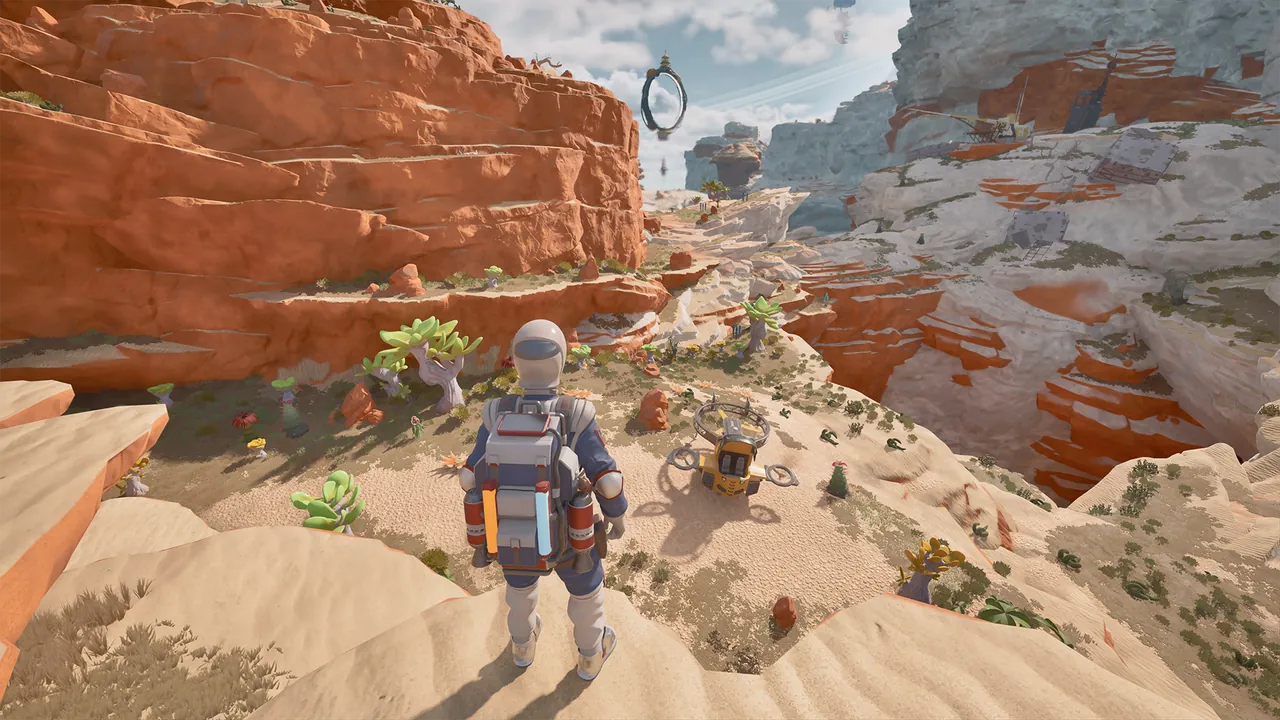
What should you keep supplied?
Watch personal electricity, usable aircraft fuel and repair materials separately. A shortage in any one can stop the next expedition, even when the other supplies look healthy.
These basics apply to the March–April 2026 Demo. Use your current interface for recipes, quantities and control bindings.
Leave a reserve of backpack electricity
Tools draw on your backpack’s electricity. Gathering scrap can therefore reduce the power available for the rest of the trip. Check the supply before entering a cave or committing to several extraction targets.
Batteries, slow solar recharge and helpful plants provide recharge options in the Demo. Not every plant helps: some drain power or threaten the player. Watch what the interaction does to the indicator before relying on a location as a service stop.
The backpack also supports personal life support. Fuel, electricity and oxygen are different supplies; check the relevant indicator rather than assuming one full gauge means everything is ready.
Collect the material that removes the obstacle
Different scrap provides different supplies. Furniture salvage can yield fabric, while other scrap supports component-making and repairs. Start with the missing item in the recipe or repair prompt, not a general goal of filling the inventory.
For a missing wire or cog, check whether you already have the component, whether it is in camp storage, or whether the table can make it from your stock. Gather more only after identifying the remaining input.
Keep repair materials in reserve until the aircraft is ready and the essential camp equipment is built. Optional construction can wait if it uses the same parts needed for departure. The crafting guide covers this workflow in detail.
Inspect aircraft systems separately
Use the welder on the damaged object and read its requirements. Copper is needed for some Demo repairs, while other parts have their own material requirements.
Check the hull, propulsion engine and hover components individually. Finishing one interaction does not repair the whole Wasp.
- Select the tool required for repair.
- Inspect the specific damaged component.
- Gather or craft its missing supplies.
- Complete the repair and inspect the remaining systems.
A useful time for this inspection is while fuel is processing at a nearby camp. Stay close to the service area, and keep the repair supplies accessible.
Use the camp as a travelling workshop
The Utility Wasp can carry the packed camp hub to the next island stop. Choose a landing area with room to reach the aircraft, table and machines.
Deploying the hub gives access to your available equipment; it does not create every machine. If a refinery is absent, check whether it still needs crafting. For a machine that is present but not working, inspect its input and connection before making another one.
Finish the work and confirm the hub is carried before leaving. The camp guide covers deployment and packing. The Cloud Cruiser provides larger-scale support for longer expeditions.
Hydrogen has three separate stages
| Stage | Action | Main check |
|---|---|---|
| Collection | Extract hydrogen crystals | Personal electricity, hazards and safe footing |
| Refining | Process crystals at the camp refinery | Required equipment, connection, input and processing state |
| Refuelling | Transfer usable fuel to the Wasp | Which tank holds the finished fuel |
Choose a safe collection position near island edges and dangerous vegetation. Do not chase every drop into the void or stand in a hazard simply to reach one more resource.
Before transfer, read the current objective. If it requires fuel held in the personal tank, moving some to the aircraft early can keep that requirement incomplete. The fuel guide explains how to check the task and both tanks.
Plan the return before exploring farther
A jetpack helps movement in the Demo, but an elevated path still needs a safe approach and a route back. Keep enough health and power to return to the Wasp.
Recharge locations can have nearby hazards, and unfamiliar vegetation is not automatically safe. Read the terrain before descending into a crevasse or following a resource trail. Back in the sky, storms and jet streams add other risks.
Use a recognizable rock, tree or structure to mark the aircraft’s location. The exploration guide gives more ways to keep your bearings.
Before takeoff
Check personal power, fuel actually in the Wasp, required component repairs and camp transport. Identify the next objective and a usable destination.
In co-op, agree on who is flying, who carries needed supplies and whether the base will move while others explore. The flight checklist brings the departure checks together.
Sources & further reading
Official updates and related videos.
Help us keep this field guide accurate. Send a correction.